04. Making the window manager Suck a bit less
Recap
Last post, I promised that I'm done with the boring core setup. Now that I've been mainly dwelling in the TTY, it's time to make the ricing experience suck less. To suck a bit less, of course, I'm using software provided by none other than Suckless.
What am I doing?
If I were lazy, I could simply install the Suckless window manager dwm using apt, but it's not practical. Because dwm is configured at compile time, a binary package locks me into default settings and stops me from easily editing settings or applying patches. Plus, dwm by default is almost unusable. At that point, I'd be better off using i3wm.
Now fortunately, people made patches, and the source code is actually very readable once you understand what it's actually doing.
Thus, I am going to briefly talk about dwm's source code, not in a technical manner, just a quick overview. Following that, I'll get to pimping dwm (Future me here, it was a headache).
A peek into dwm
Opening the source code, it might seem intimidating as it has some quite dense C files. In reality, it is pretty lightweight and minimalist, and the only truly relevant part is the dwm.c file where the core logic lives, and config.h where settings, keybindings, and colors are defined.
Like any other C file, its start is mostly preprocessing directives (header inclusions and macro definitions), then there are some enums and structures (mostly typedef ones), then come function declarations ordered alphabetically (it does help), then variables, and finally function implementations.
After some closer inspection, it was clear that the main function first checks if there is another window manager that's active and exits if so. Then, it jumps to setup. Inside the setup function, the initialization starts taking place, and it becomes much clearer what dwm is at its core. It hooks into X11's Root Window (the base desktop surface managed by the X server) using event masks. Instead of drawing windows itself, dwm intercepts window requests from X11 and arranges those client windows on top of the root desktop. Then there is the most important part, the event loop: dwm listens for specific X11 events before deciding what function will handle the captured event.
That is the essence of dwm. But I did mention patches, which are .diff files created by other developers to add more features. They are generally easy to integrate. Though the more patches that get added, the more conflicts arise. That's why it is generally better to start patching with the more invasive patches, then gradually get to the more isolated ones.
One last note: the following dependencies were installed earlier to work with dwm, but are explained here for context as part of The Final Core Touch post:
build-essential: Installsgcc,make, and core C tools needed to compile dwm.libx11-dev: Core Xlib development headers for standarddwmwindow management.libxft-dev: Provides anti-aliased font rendering (used fordwm's bar and titles).libxinerama-dev: Enables multi-monitor support indwm.libx11-xcb-dev&libxcb-res0-dev: XCB library extensions required for advanceddwmpatches.libxcb-xkb-dev: XCB keyboard extension headers used for custom layout/keyboard handling patches.xserver-xorg-core: The underlying X11 display server thatdwmruns on top of.xinit: Providesstartx, which reads ~/.xinitrc to launch dwm without needing a display manager (temporary for testing).xserver-xorg-input-libinput: Handles mouse, touchpad, and keyboard input inside X11/dwm.xserver-xorg-video-intel&mesa-va-drivers: Hardware acceleration and display drivers for Intel graphics (change depending on GPU).
It's time for practice
All manual source builds are to be built inside ~/.local/usr:
mkdir ~/.local/usr -p
cd ~/.local/usr
Clone dwm into the directory:
git clone https://git.suckless.org/dwm
cd dwm
Time to get to work! (yaaaaaaaaay!)
I'll be patching on my main machine, because I simply can't imagine having to do edits and fix patch conflicts in a TTY. By the end of it, I'll simply zip the whole thing and upload it to the VM.
I will be applying the following patches, in the following order (most invasive to least):
vanitygaps: Customizable inner and outer gaps around windows and screen edges.pertag: Keeps layouts, master factors, and window properties independent for each tag.swallow: Automatically hides a terminal window when a GUI application is launched from it.scratchpads: Enables spawning, toggling, and hiding floating scratchpads.xrdb: Allowsdwmto dynamically read its color scheme from Xresources/Xdefaults without needing to recompile after color changes.status2d(& extension forxrdb): Extends status bar rendering to support custom colors, rectangles, and Xresources-driven palette integration.movestack: Adds keybindings to move selected windows up or down within the stack layout order.attachabove: Inserts newly opened windows directly above the currently focused window rather than stealing the master area.restartsig: Allowsdwmto restart in-place via keybinding or signal without closing running applications or killing the X session.actualfullscreen: Enables true client fullscreen support that toggles a window to cover the entire monitor without altering the underlying layout logic.alwayscenter: Forces all floating windows to spawn centered on the active monitor screen.hide_vacant_tags: Hides empty tags from the status bar so only active or occupied tags are displayed.azerty: Adjusts default keybinding mappings to accommodate AZERTY keyboard layouts natively (this is purely for my cursed keyboard).
And for each of these, I'm using the following patch versions specifically:
https://dwm.suckless.org/patches/vanitygaps/dwm-vanitygaps-6.2.diff
https://dwm.suckless.org/patches/pertag/dwm-pertag-20200914-61bb8b2.diff
https://dwm.suckless.org/patches/swallow/dwm-swallow-20201211-61bb8b2.diff
https://dwm.suckless.org/patches/scratchpads/dwm-scratchpads-20200414-728d397b.diff
https://dwm.suckless.org/patches/xrdb/dwm-xrdb-6.4.diff
https://dwm.suckless.org/patches/status2d/dwm-status2d-6.2.diff
https://dwm.suckless.org/patches/status2d/dwm-status2d-xrdb-6.2.diff
https://dwm.suckless.org/patches/movestack/dwm-movestack-20211115-a786211.diff
https://dwm.suckless.org/patches/attachabove/dwm-attachabove-6.2-20200421.diff
https://dwm.suckless.org/patches/restartsig/dwm-restartsig-20180523-6.2.diff
https://dwm.suckless.org/patches/actualfullscreen/dwm-actualfullscreen-20211013-cb3f58a.diff
https://dwm.suckless.org/patches/alwayscenter/dwm-alwayscenter-20200625-f04cac6.diff
https://dwm.suckless.org/patches/azerty/dwm-azerty-6.2.diff
https://dwm.suckless.org/patches/hide_vacant_tags/dwm-hide_vacant_tags-6.4.diff
Preferably, I put them in a patches.txt file, and then:
wget -i patches.txt
And to be safe in case I screw up anything. I'll be saving my progress with git:
git add .
git commit -m "pre-patch save"
Now we start patching, vanitygaps:
git apply --reject --verbose dwm-vanitygaps-6.2.diff
With the verbose flag, it will explicitly print whether or not everything went well.
As for me, I encountered rejection, but it's alright, I can fix it:
nvim -O dwm.c dwm.c.rej
Delete what I'm highlighting with my cursor:
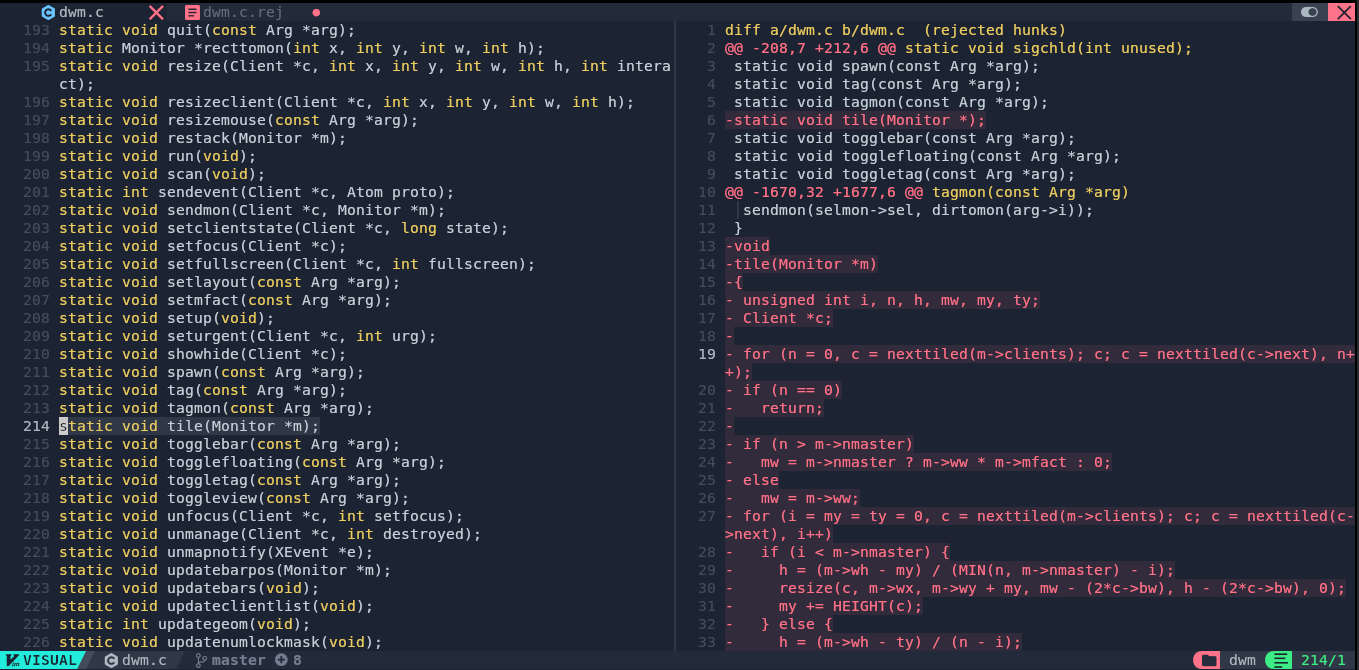
Similarly here:
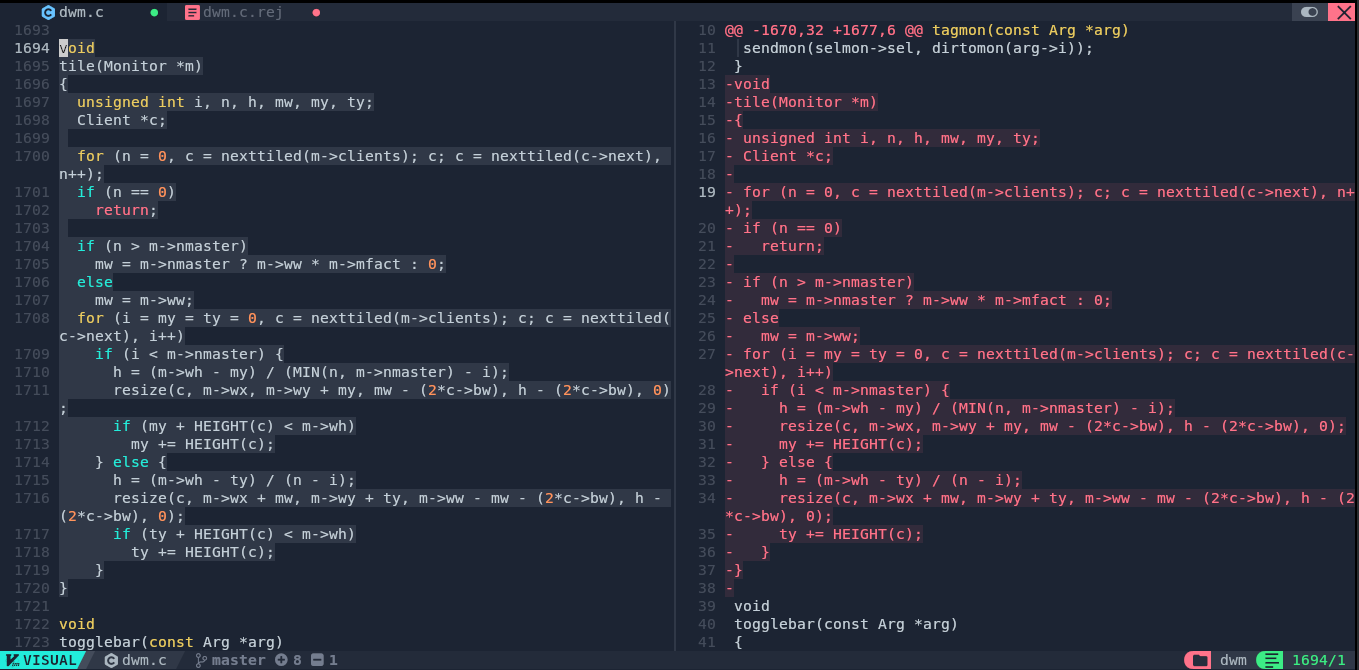
Save an exit, then switch to the other rejection:
nvim -O config.def.h config.def.h.rej
And I added what it wanted:
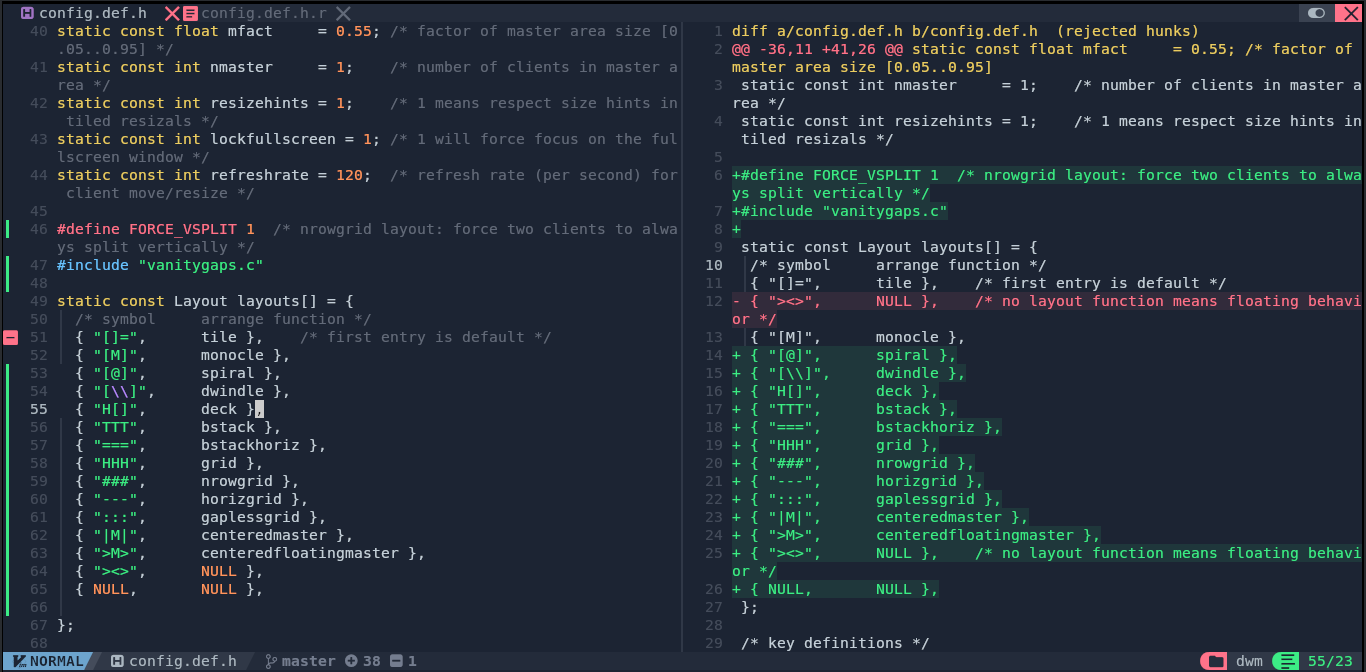
All done with this one:
rm *.rej
git add .
git commit -m "Apply vanitygaps"
SPOILER ALERT: All the following is basically a similar procedure, with some lucky ones just magically working without rejection.
Patching pertag:
git apply --reject --verbose dwm-pertag-20200914-61bb8b2.diff
This one just worked, good:
git add .
git commit -m "Apply pertag"
Patching swallow:
git apply --reject --verbose dwm-swallow-20201211-61bb8b2.diff
Rejection, time to fix them:
nvim -O dwm.c dwm.c.rej
Add what it wants:
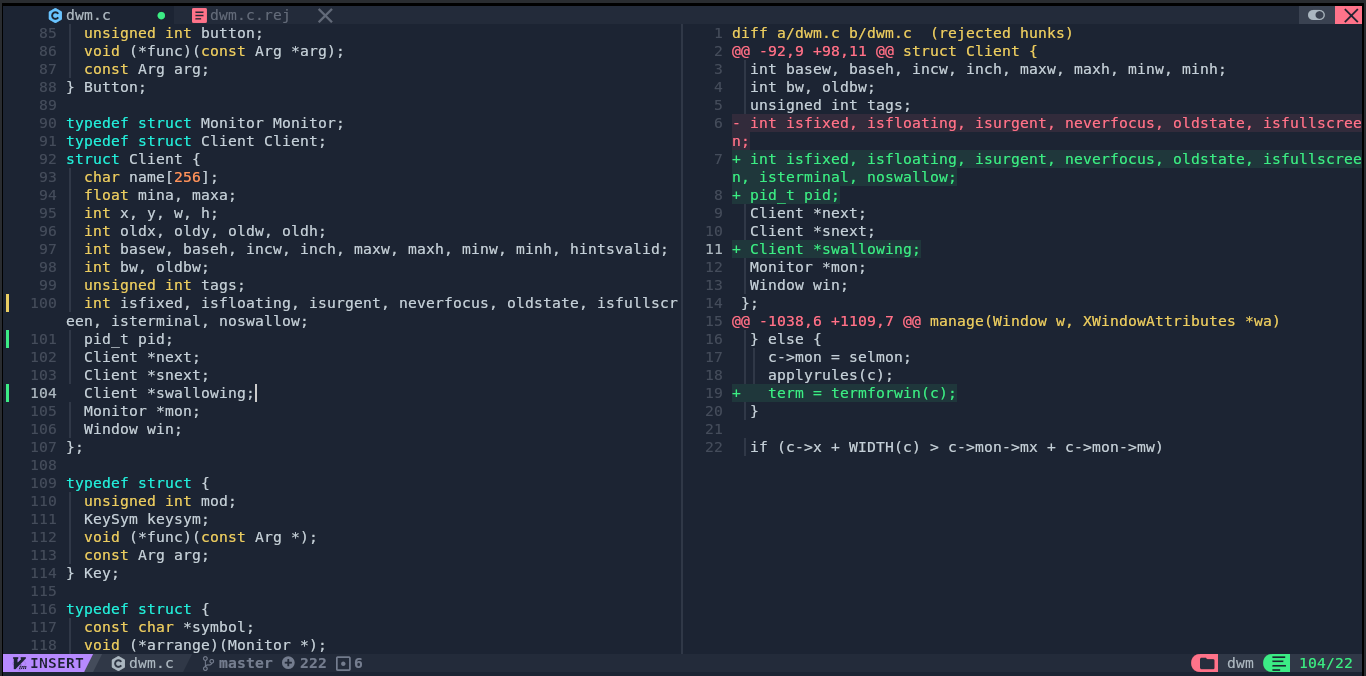
Same again:
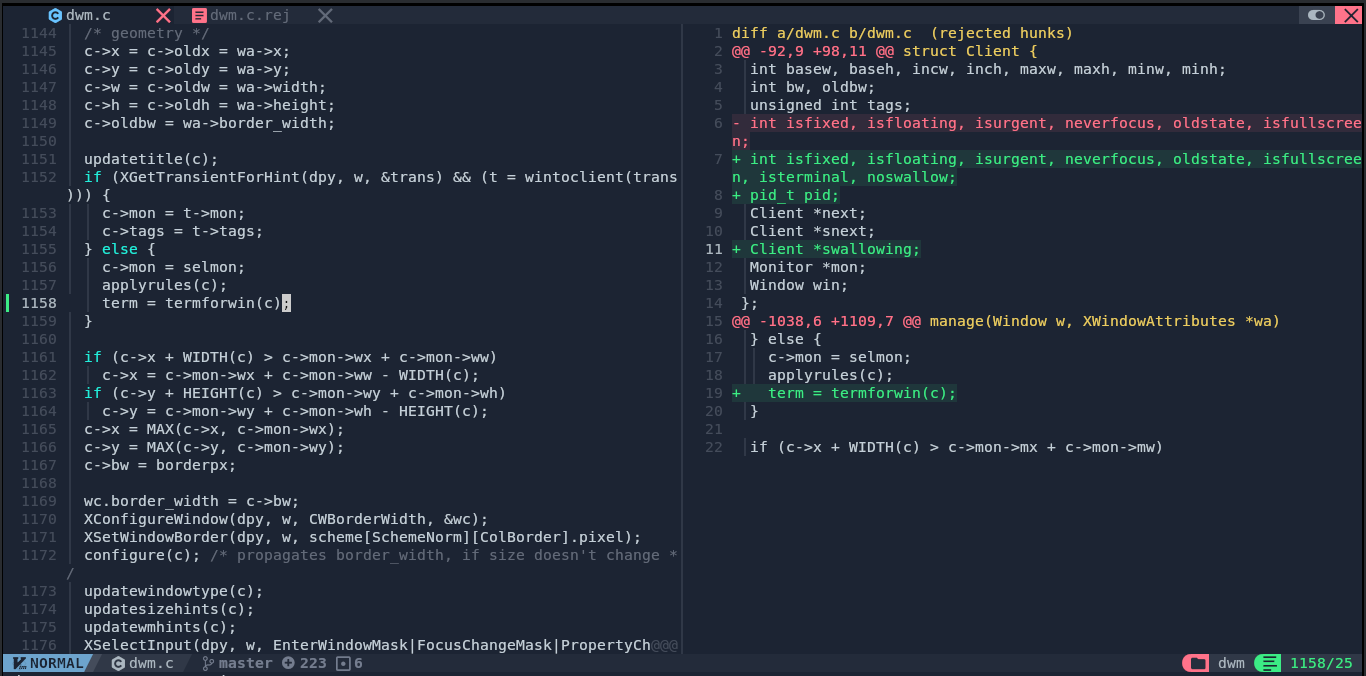
Save and exit, then to the next one:
nvim -O config.def.h config.def.h.rej
Add what it wants, again:
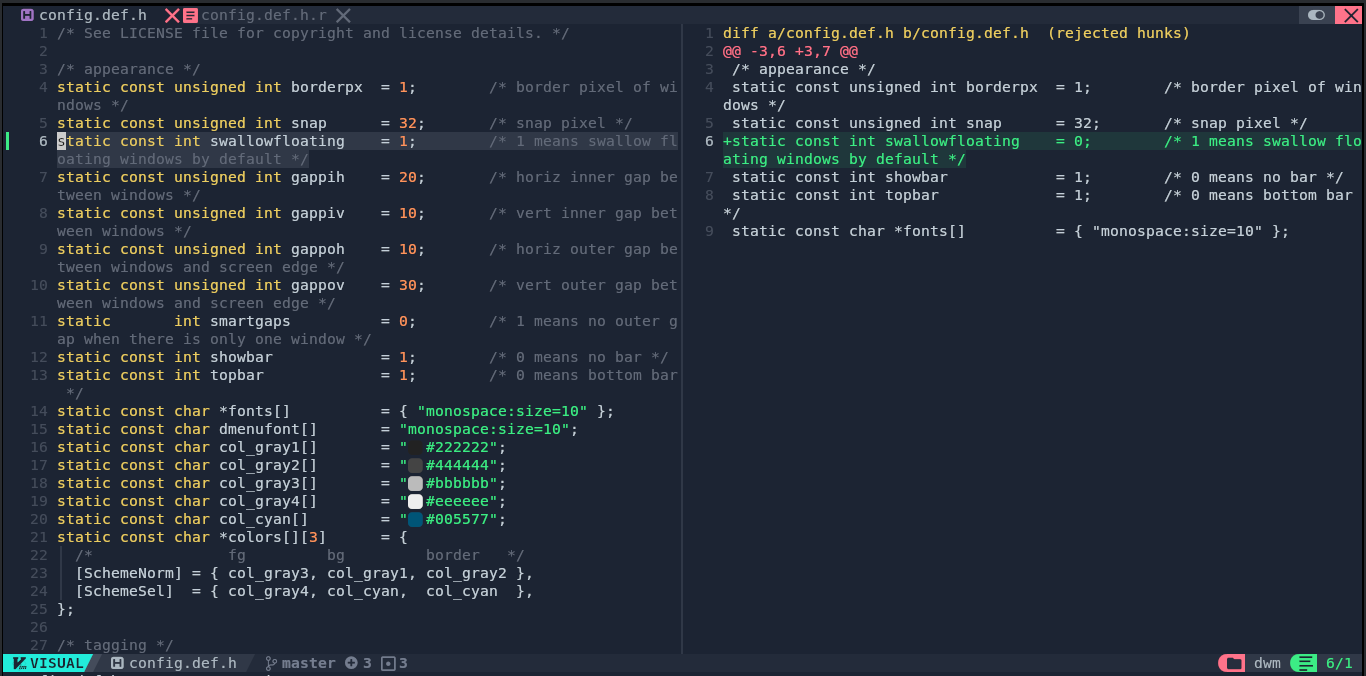
Save and exit, and to the next one:
nvim -O config.mk config.mk.rej
Add what it wants (this is going to be VERY repetitive):
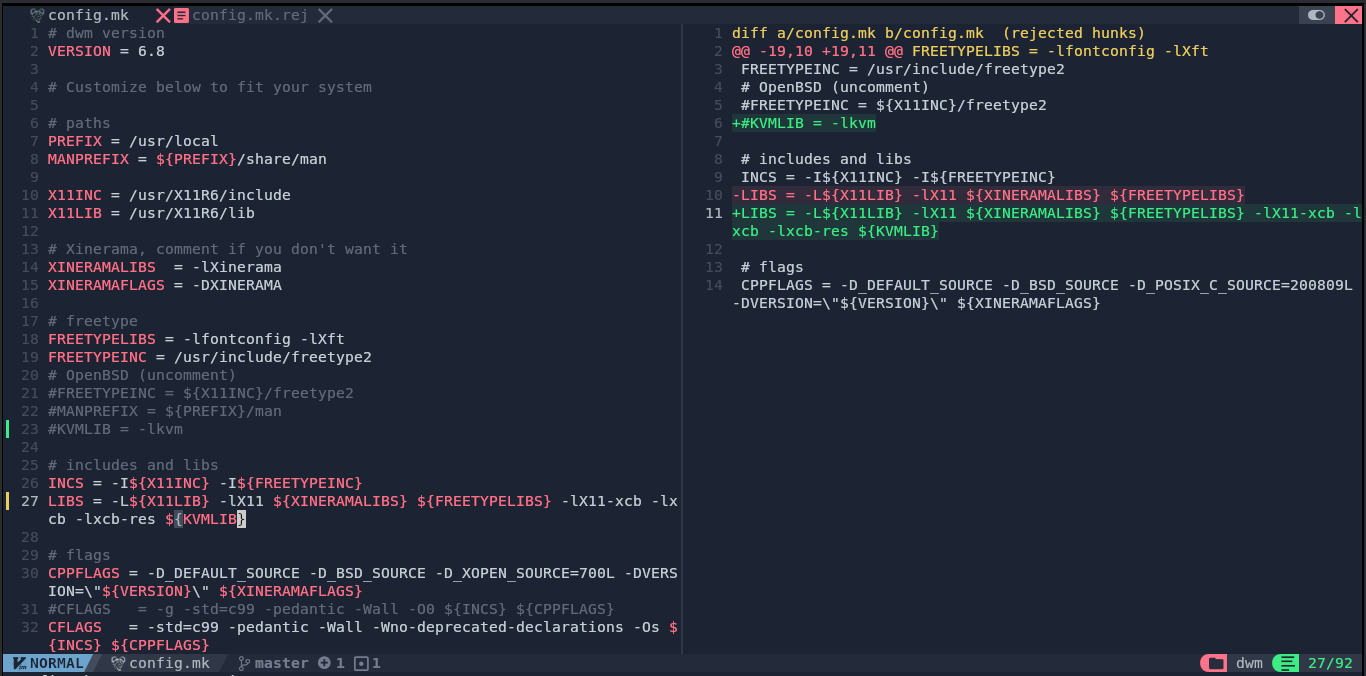
Patch is done:
rm *.rej
git add .
git commit -m "Apply swallow"
Patching scratchpads:
git apply --reject --verbose dwm-scratchpads-20200414-728d397b.diff
Rejections! Time to fix:
nvim -O dwm.c dwm.c.rej
Same drill:
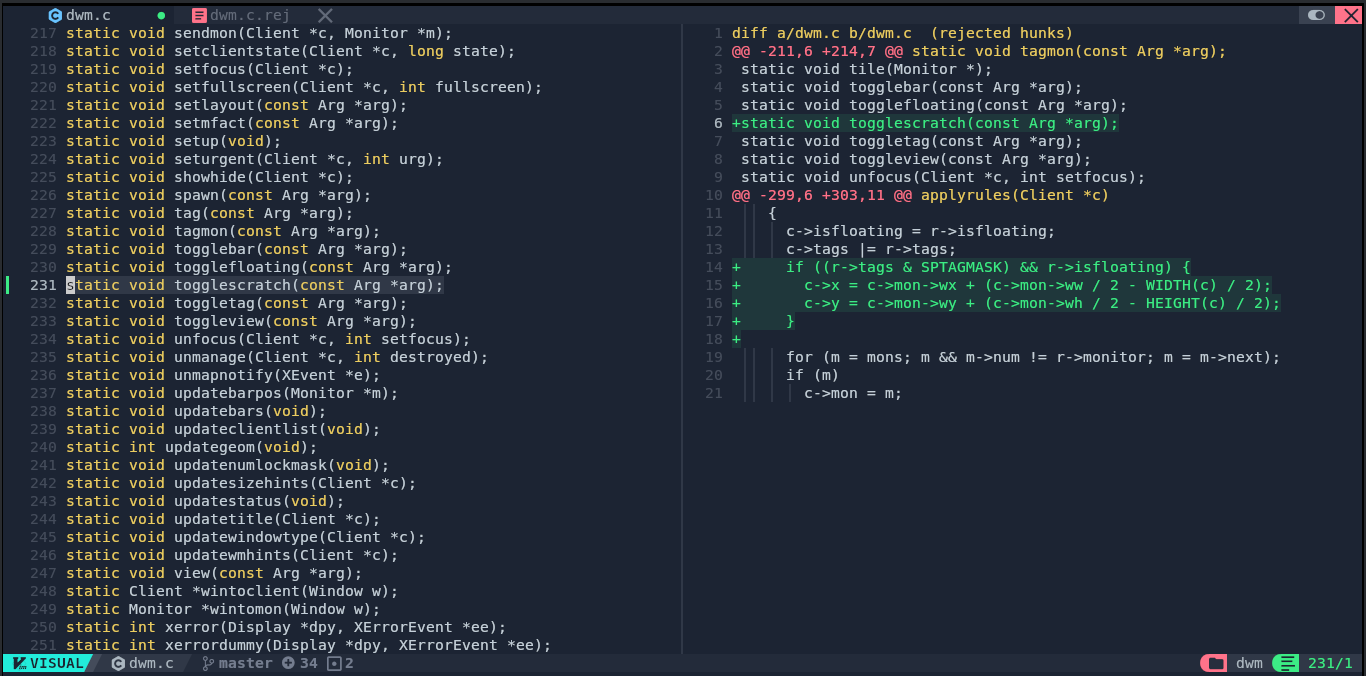
Again:
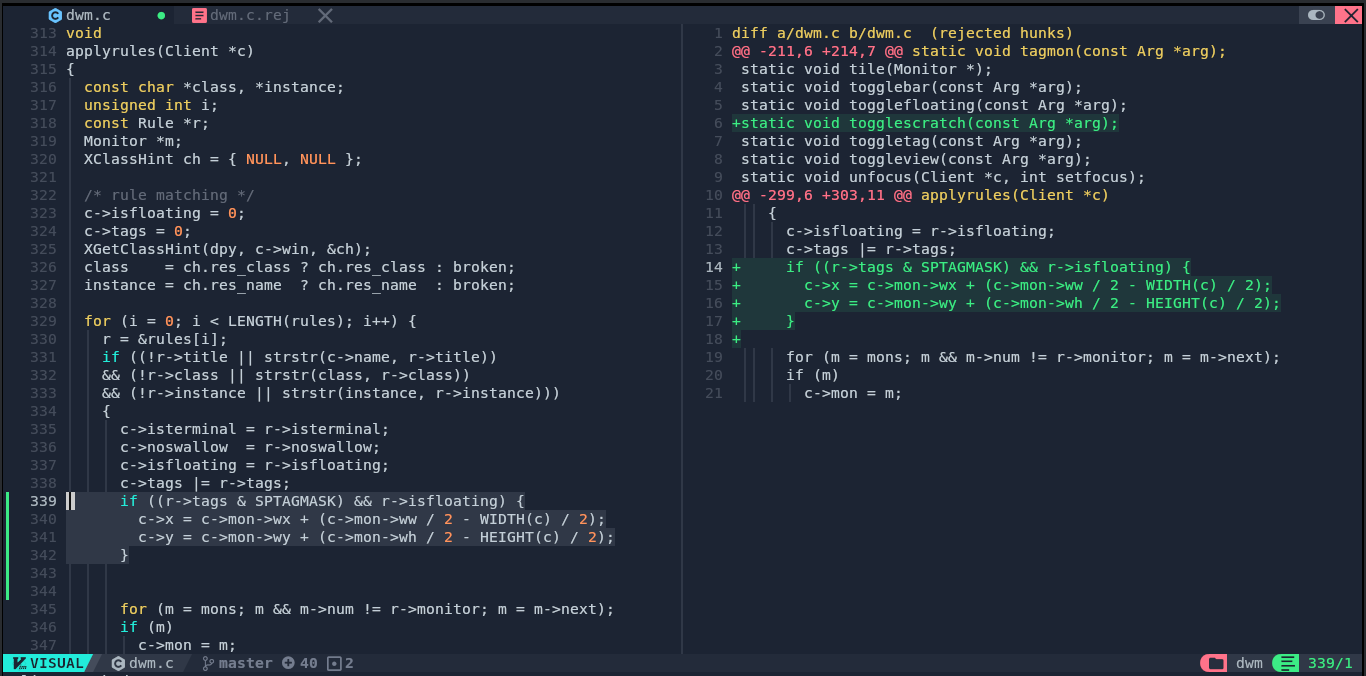
Save, exit, next one:
nvim -O config.def.h config.def.h.rej
Fix, yet again:
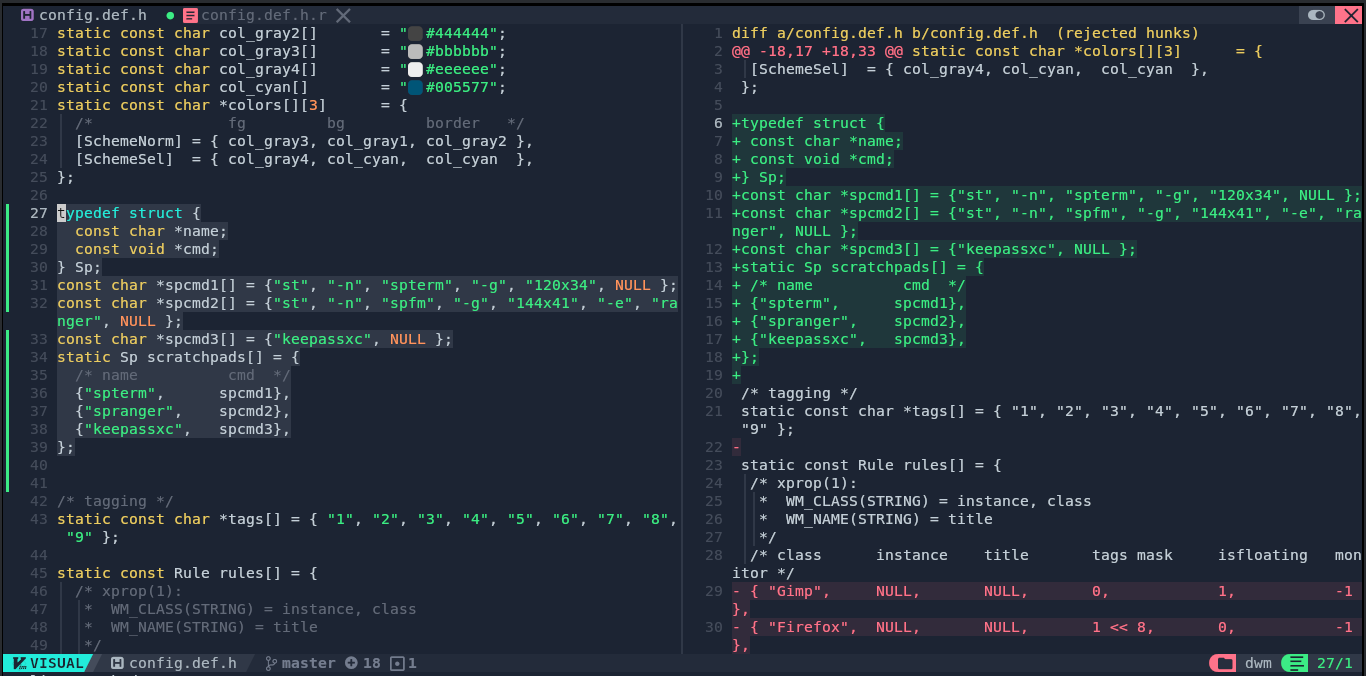
And again:
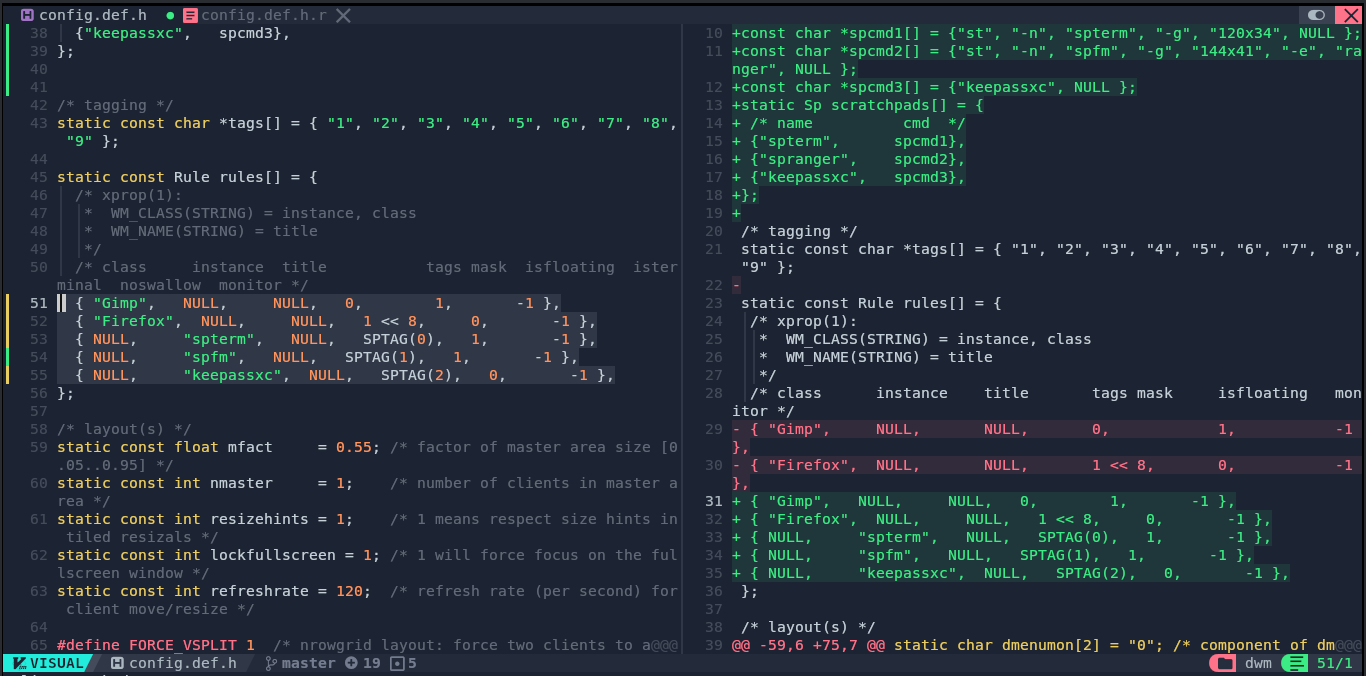
Patch is done:
rm *.rej
git add .
git commit -m "Apply scratchpads"
Patching xrdb:
git apply --reject --verbose dwm-xrdb-6.4.diff
Rejection! Fix:
nvim -O dwm.c dwm.c.rej
Same:
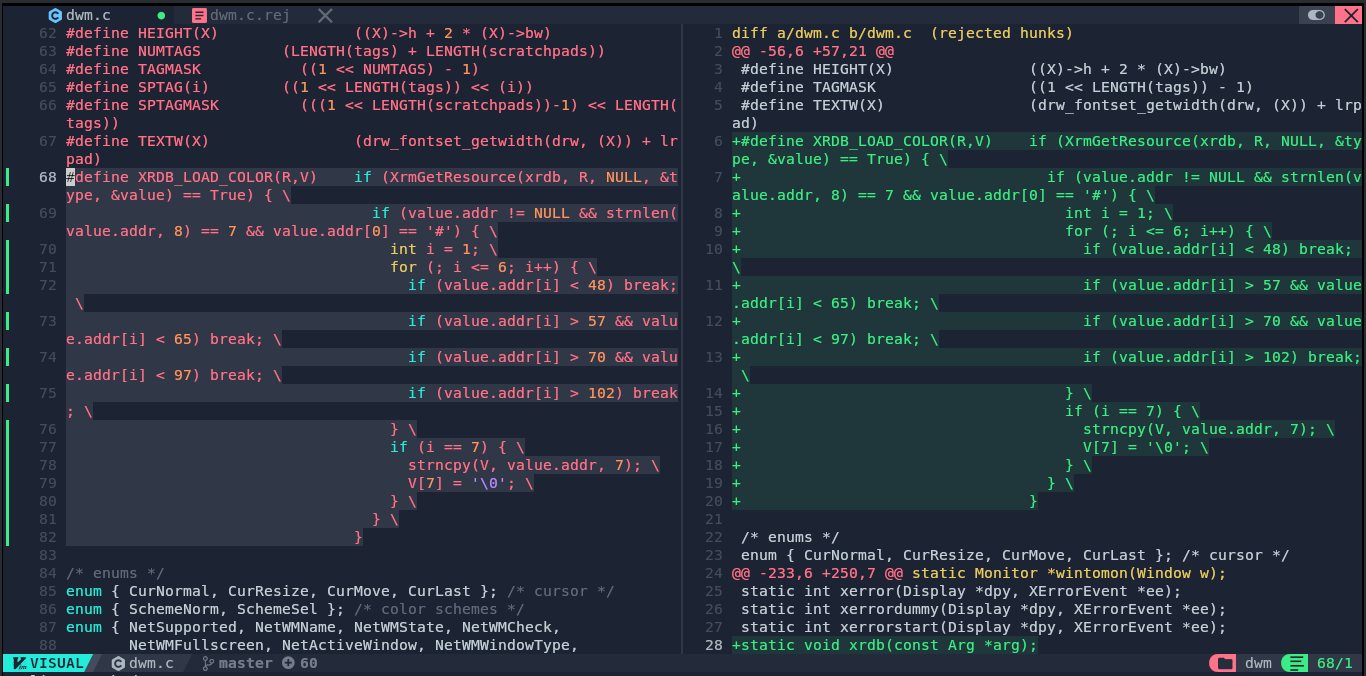
Again:
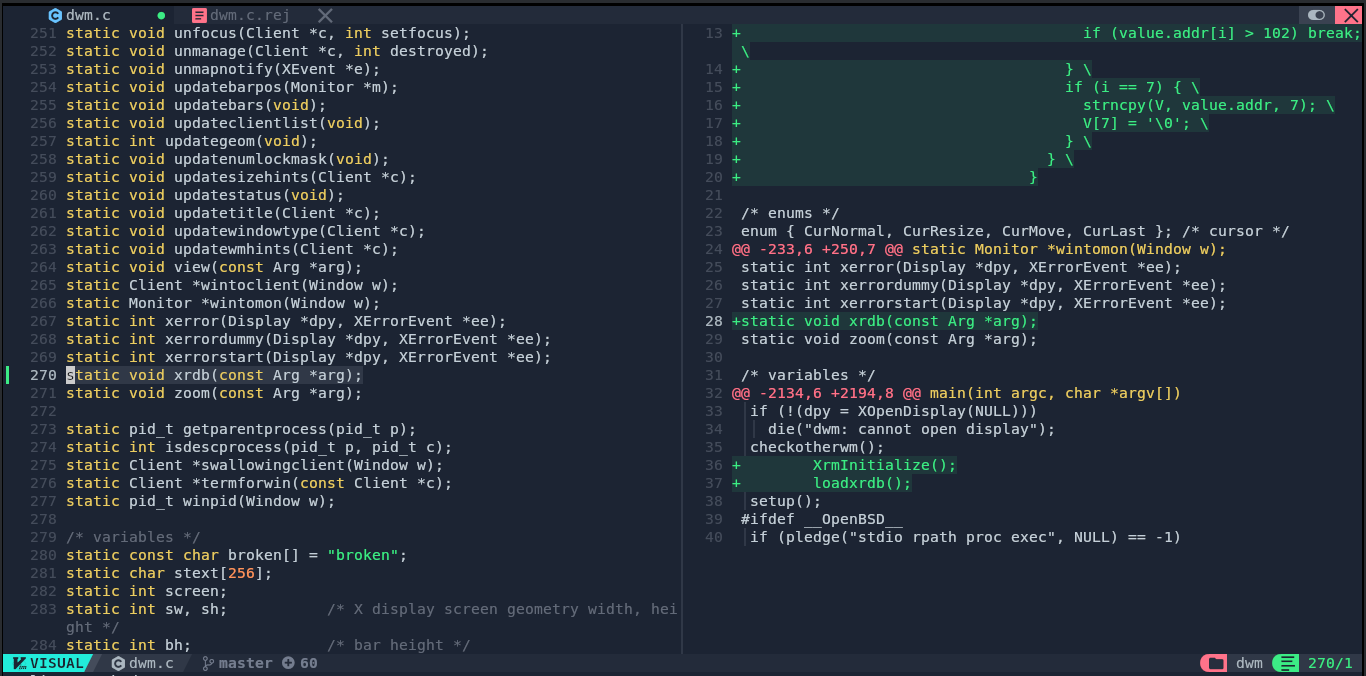
And again:
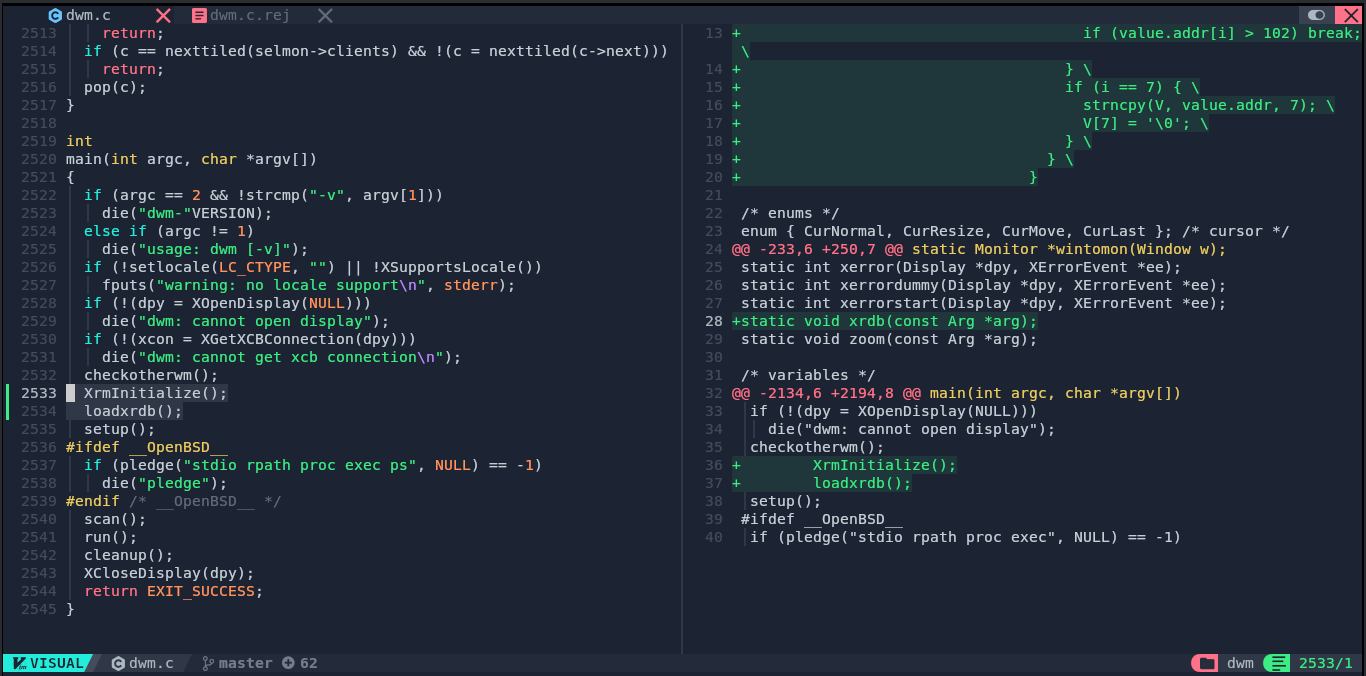
Save, exit, to the next one:
nvim -O drw.h drw.h.rej
Same:
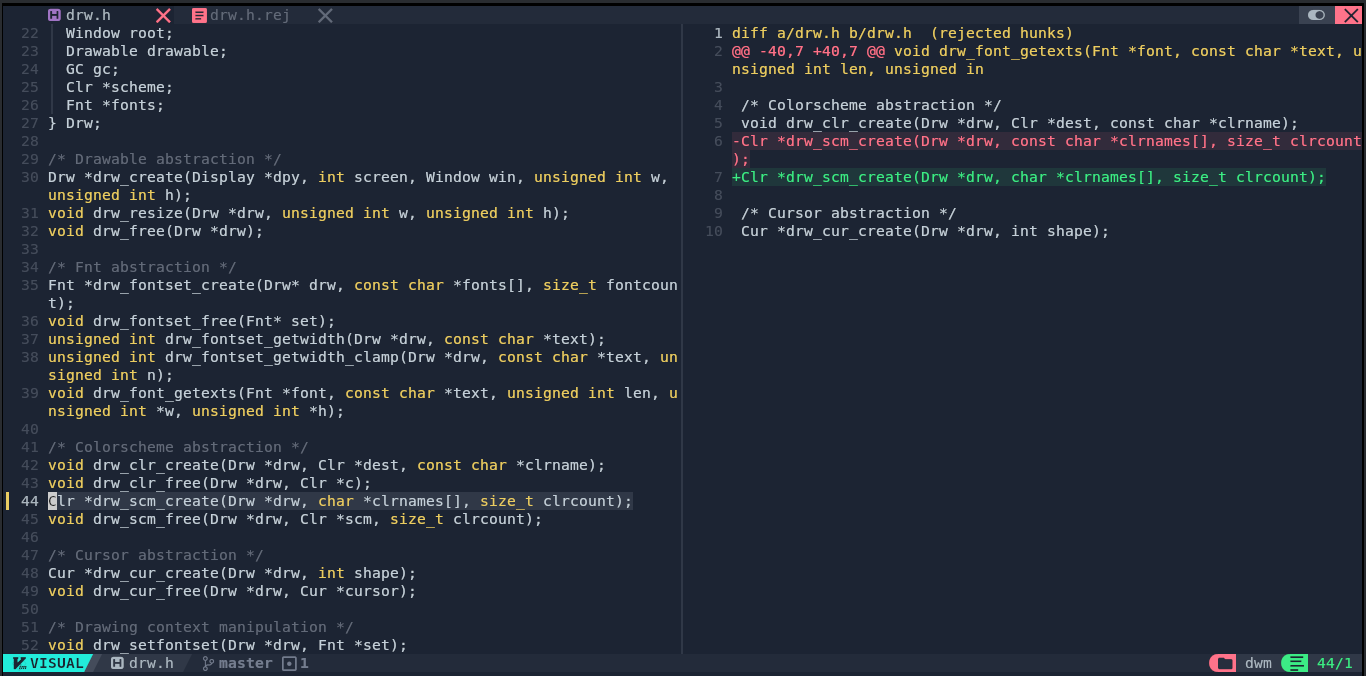
Save, exit, to the next one:
nvim -O drw.c drw.c.rej
Same:
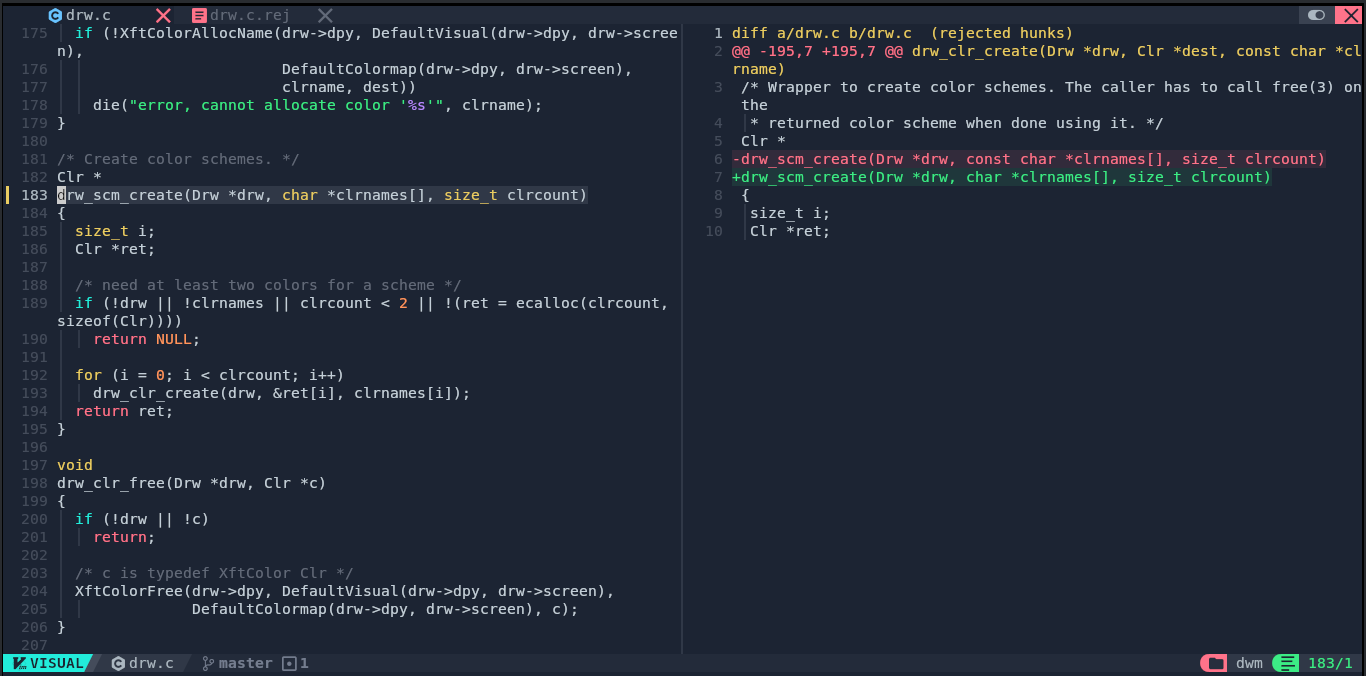
Save, exit, next one:
nvim -O config.def.h config.def.h.rej
Fix, yet again:
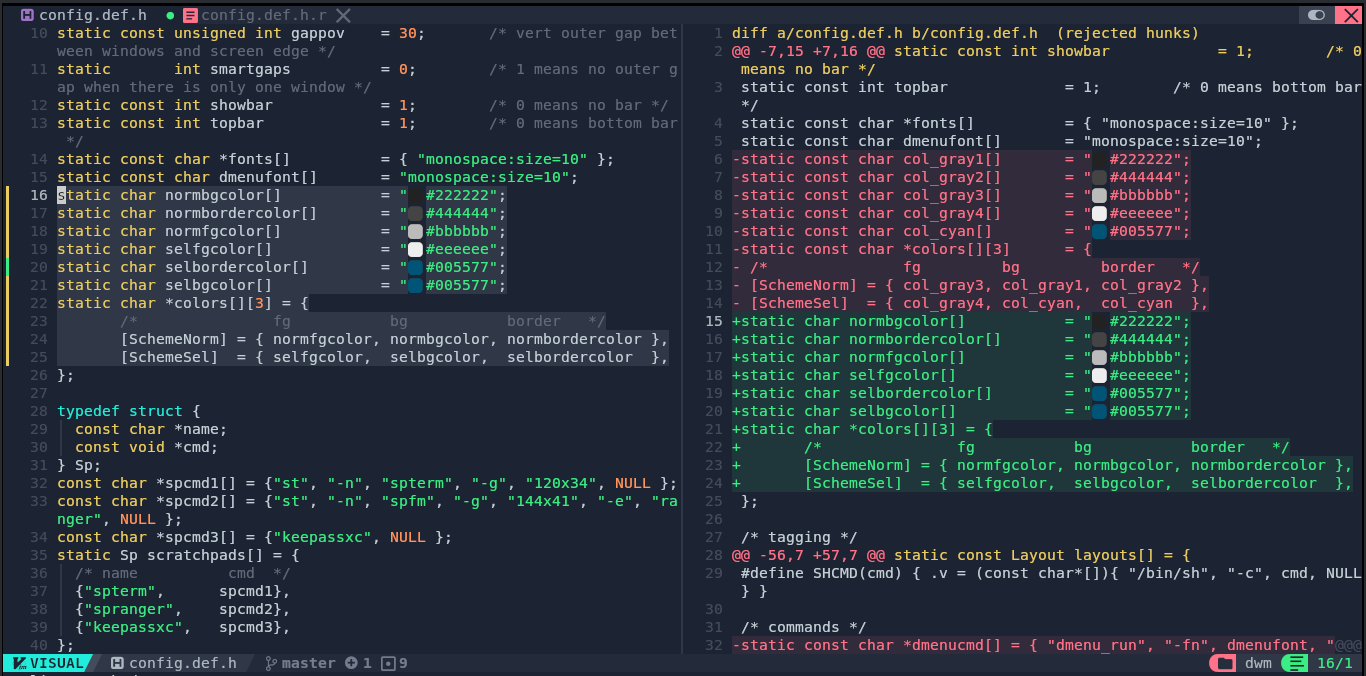
And again:
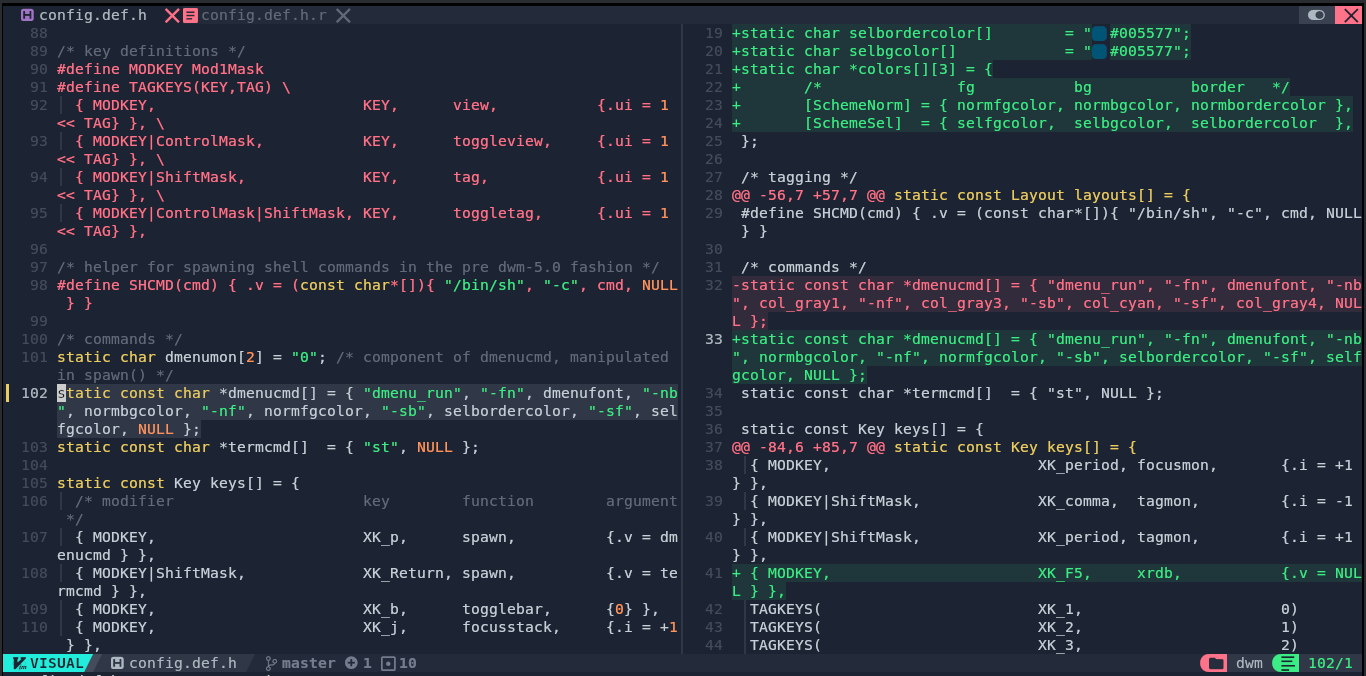
And again:
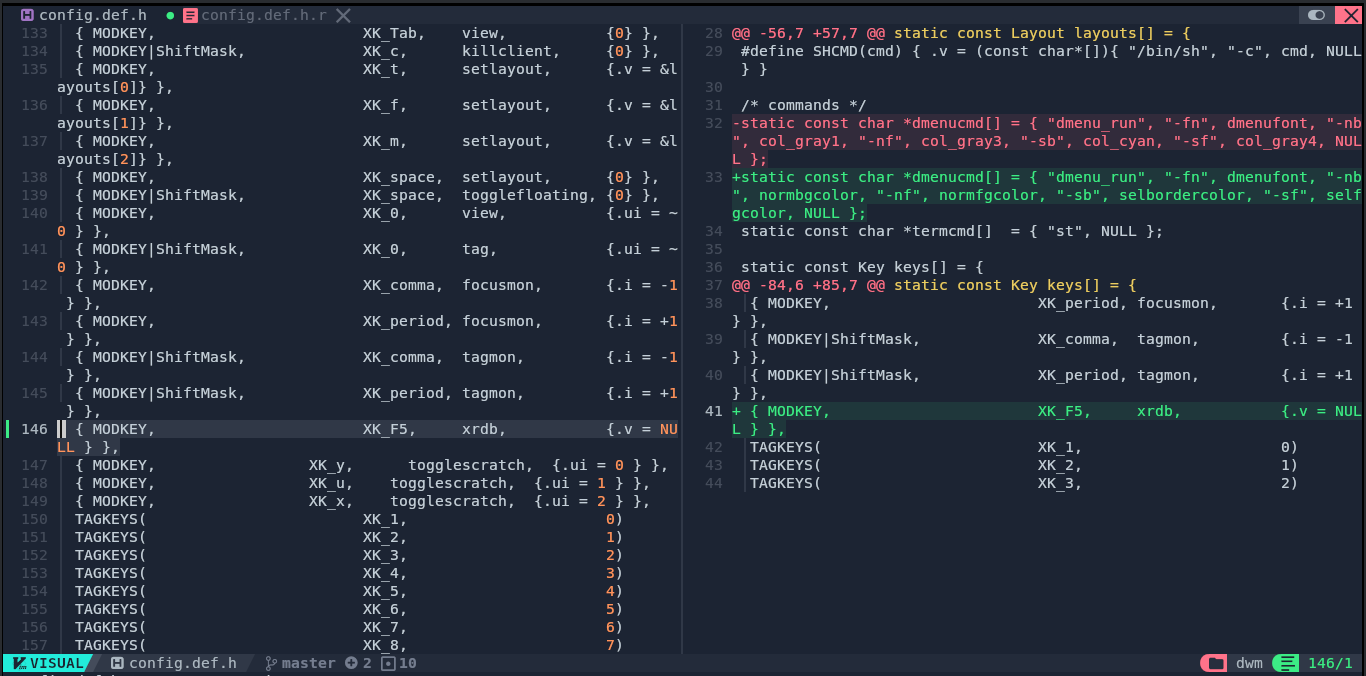
Patch is done:
rm *.rej
git add .
git commit -m "Apply xrdb"
Patching status2d:
git apply --reject --verbose dwm-status2d-6.2.diff
Yep, rejection. Fix:
nvim -O dwm.c dwm.c.rej
Same:
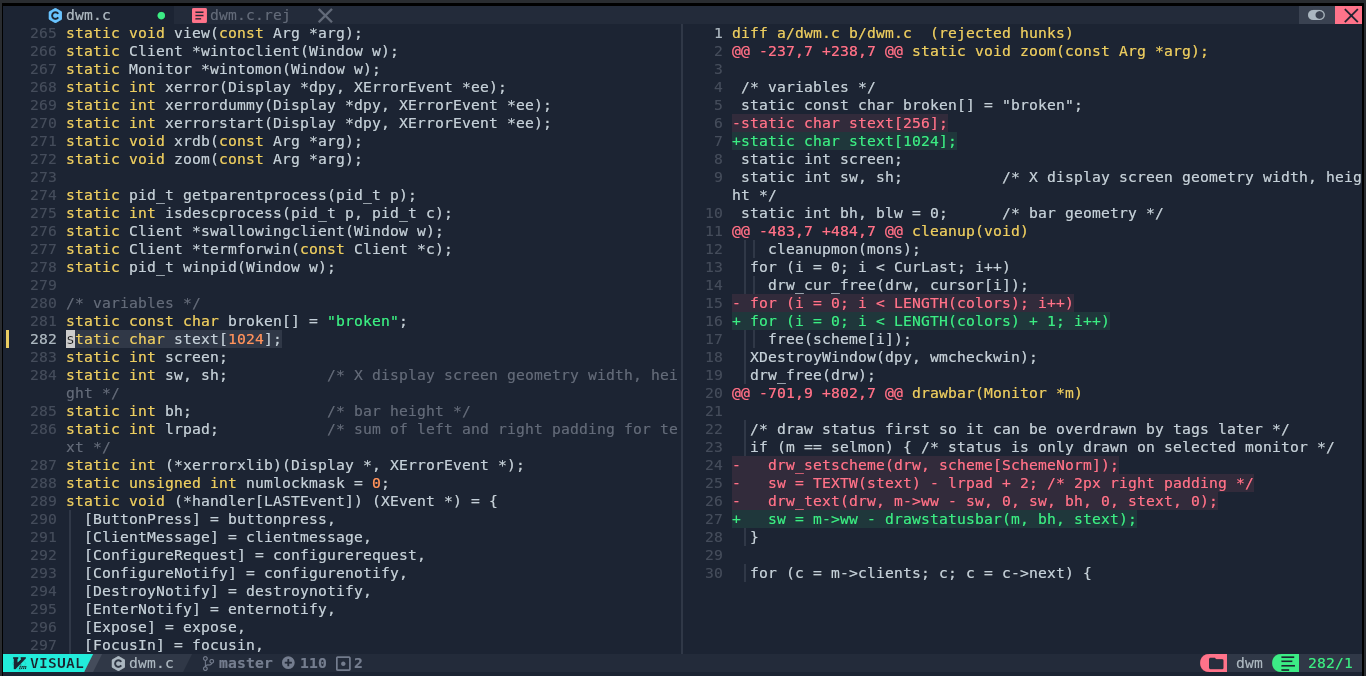
Again:
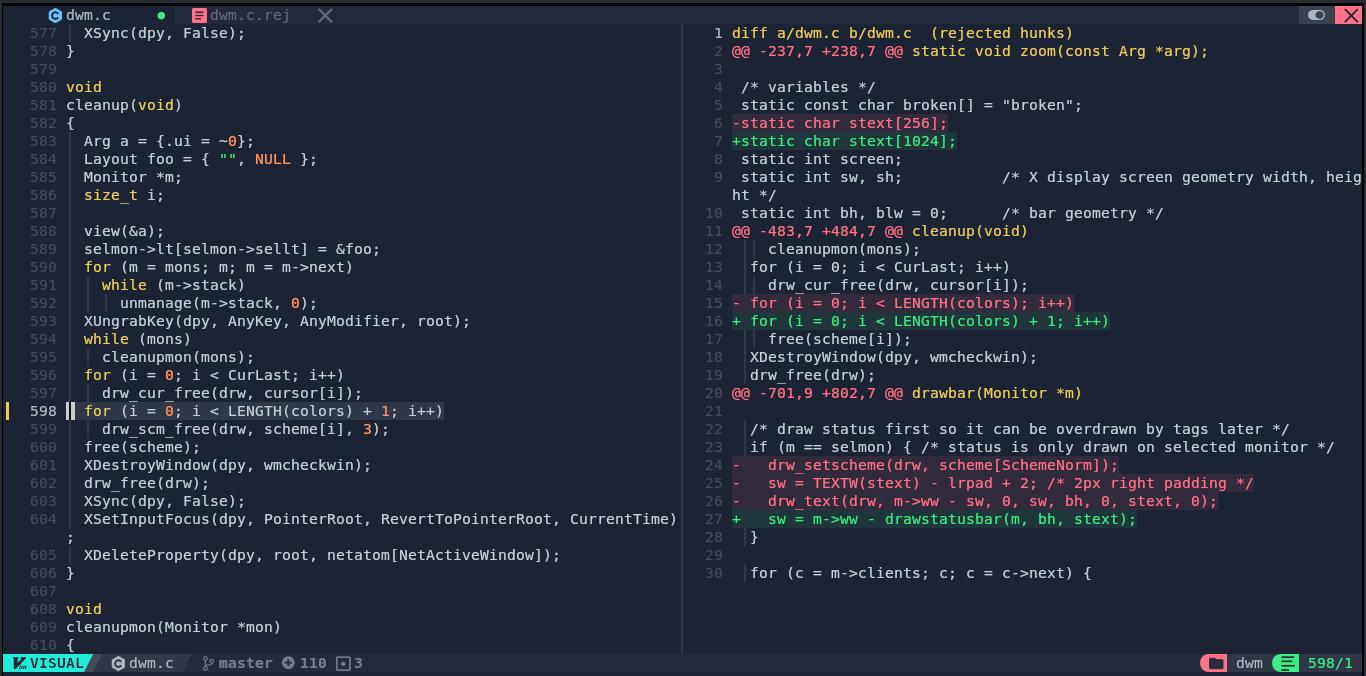
And again:
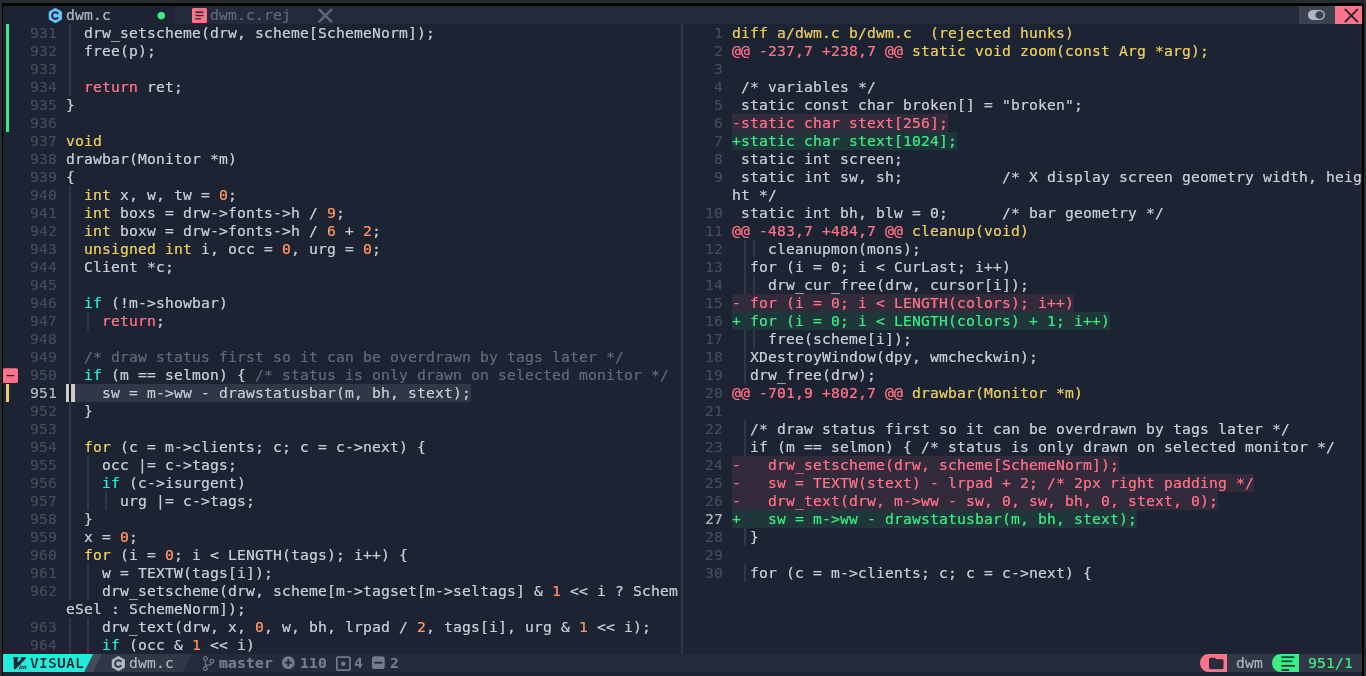
Patch is done:
rm *.rej
git add .
git commit -m "Apply status2d"
Patching the status2d extension for xrdb:
git apply --reject --verbose dwm-status2d-xrdb-6.2.diff
Rejec- what do I know? It actually worked successfully!
Patch is done:
git add .
git commit -m "Apply status2d-xrdb"
Patching movestack:
git apply --reject --verbose dwm-movestack-20211115-a786211.diff
REJECTION!! Fix:
nvim -O config.def.h config.def.h.rej
Same:
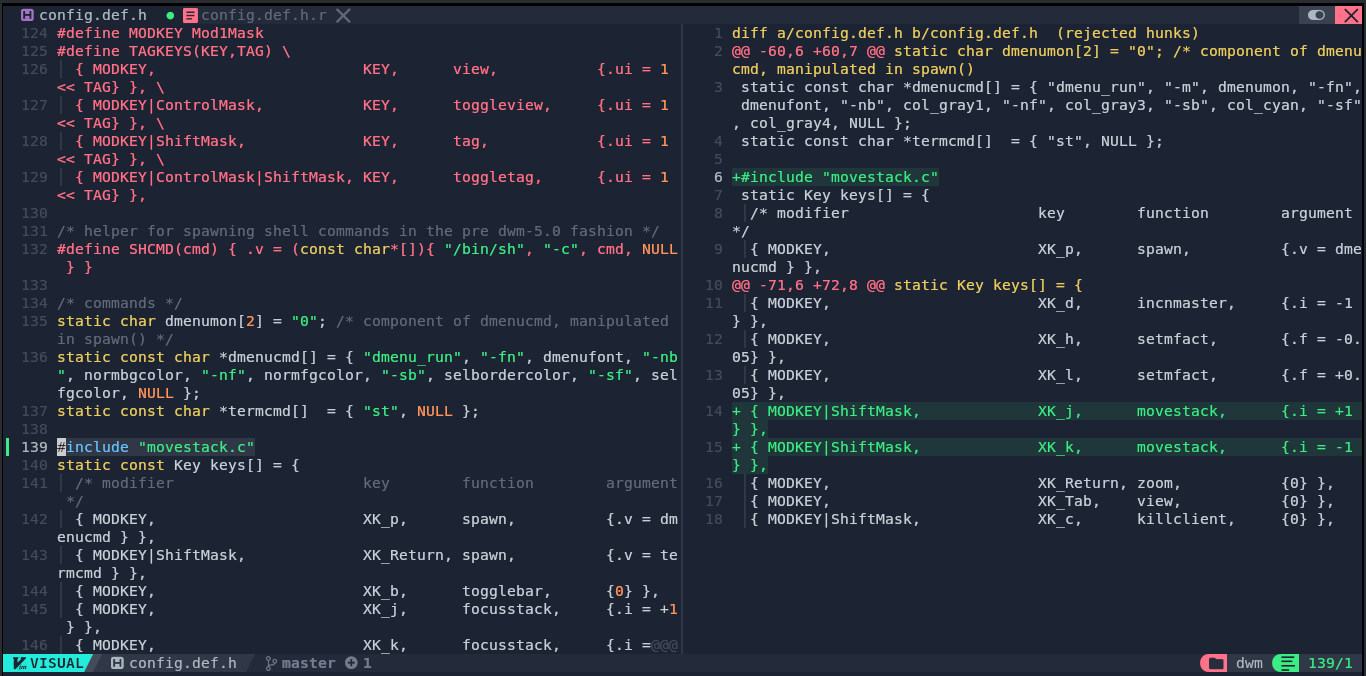
Again:
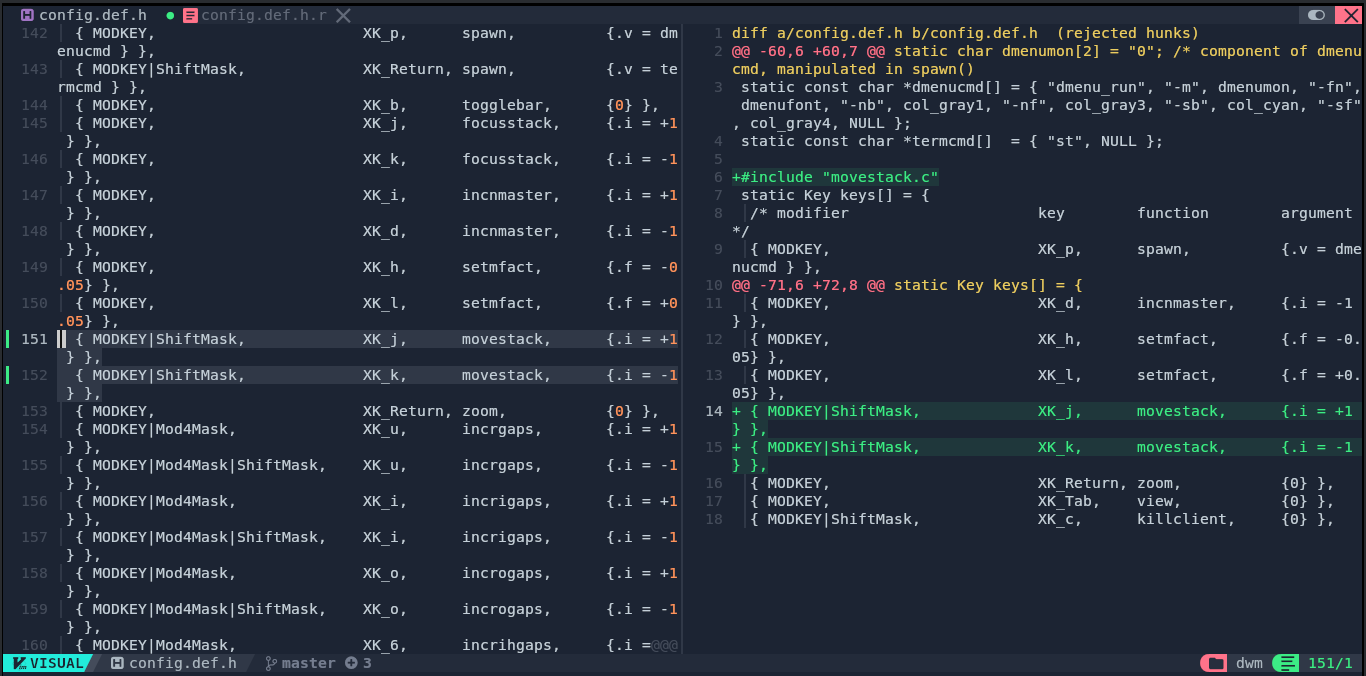
Patch is done:
rm *.rej
git add .
git commit -m "Apply movestack"
Patching attachabove, this one for some reason needed to be in a certain path. I just stripped it with -p4:
git apply -p4 --reject --verbose dwm-attachabove-6.2-20200421.diff
RE-JE-CTIOOOON!! Fix:
nvim -O dwm.c dwm.c.rej
Same:
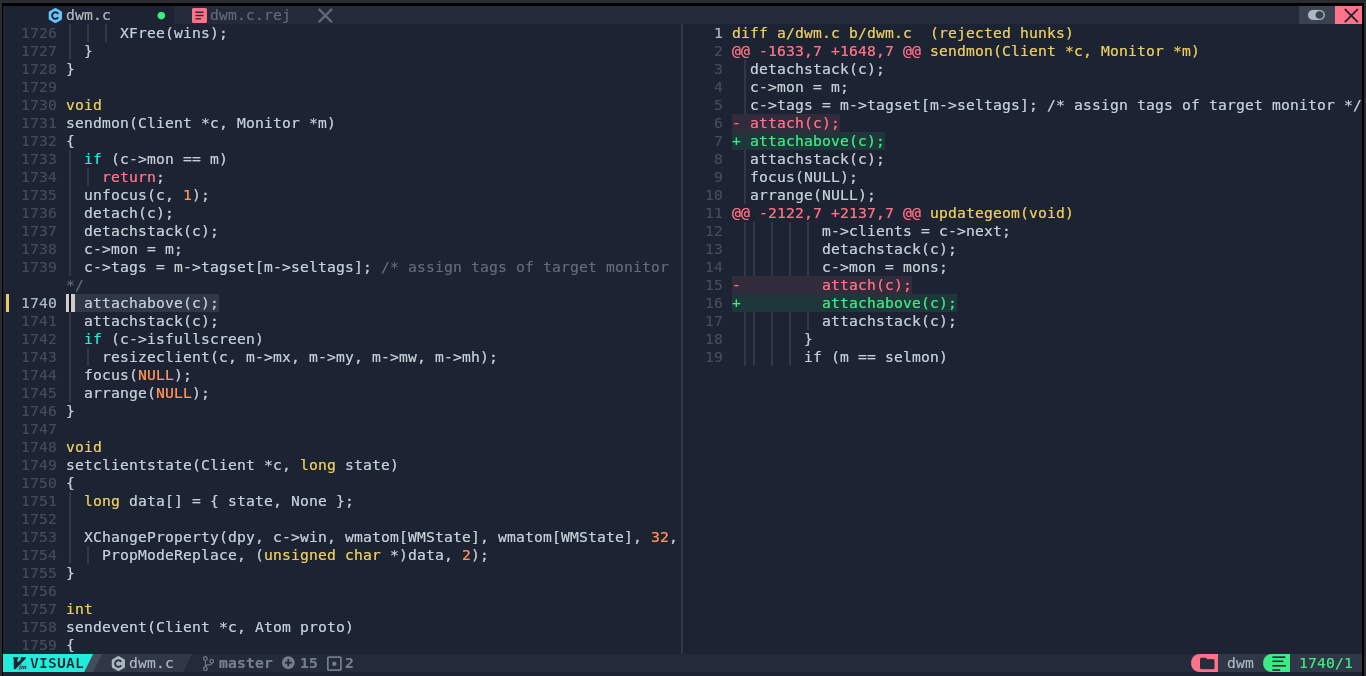
Again:
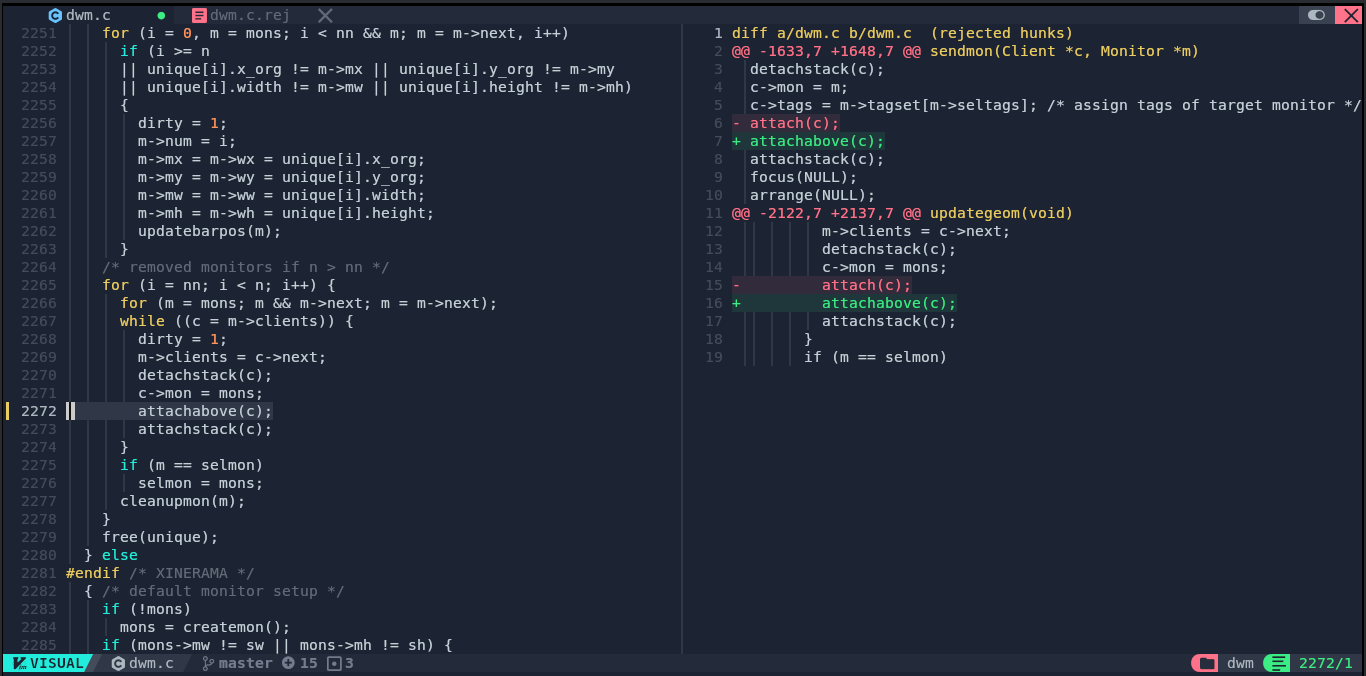
Patch is done:
rm *.rej
git add .
git commit -m "Apply attachabove"
Patching restartsig:
git apply --reject --verbose dwm-restartsig-20180523-6.2.diff
Take a wild guess. Fix:
nvim -O dwm.c dwm.c.rej
Same:
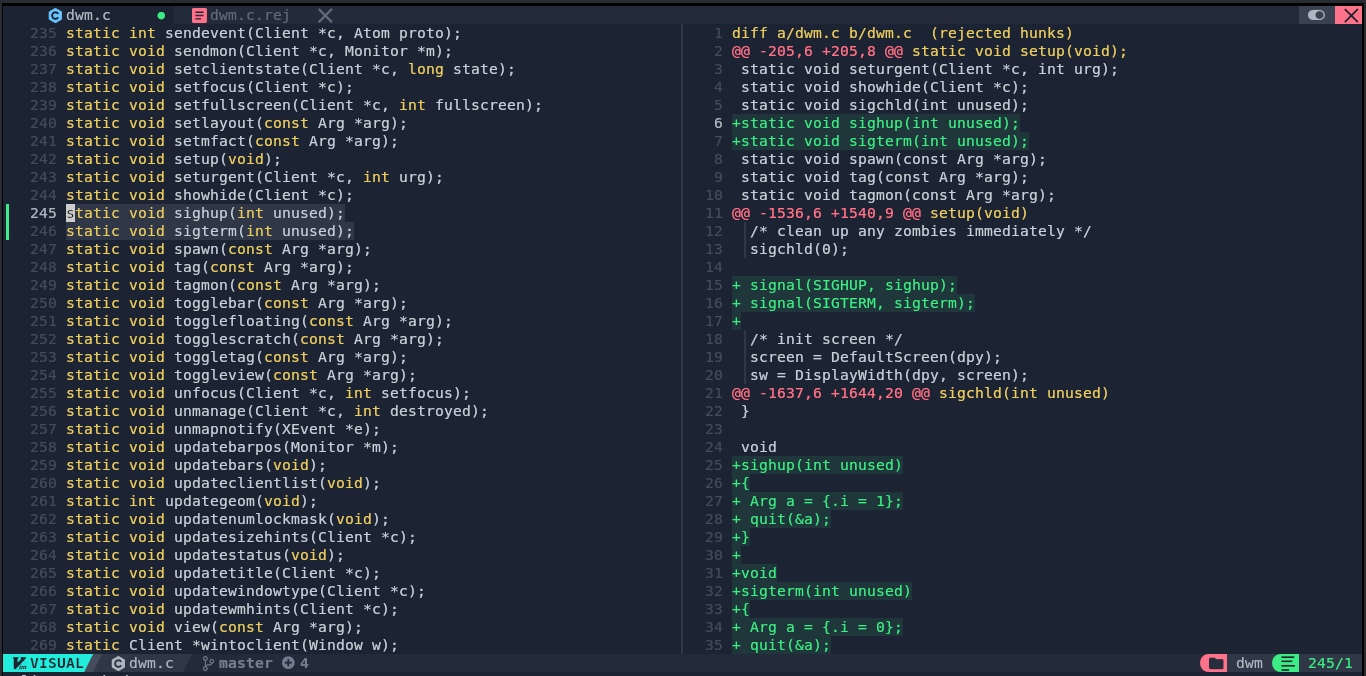
Again:
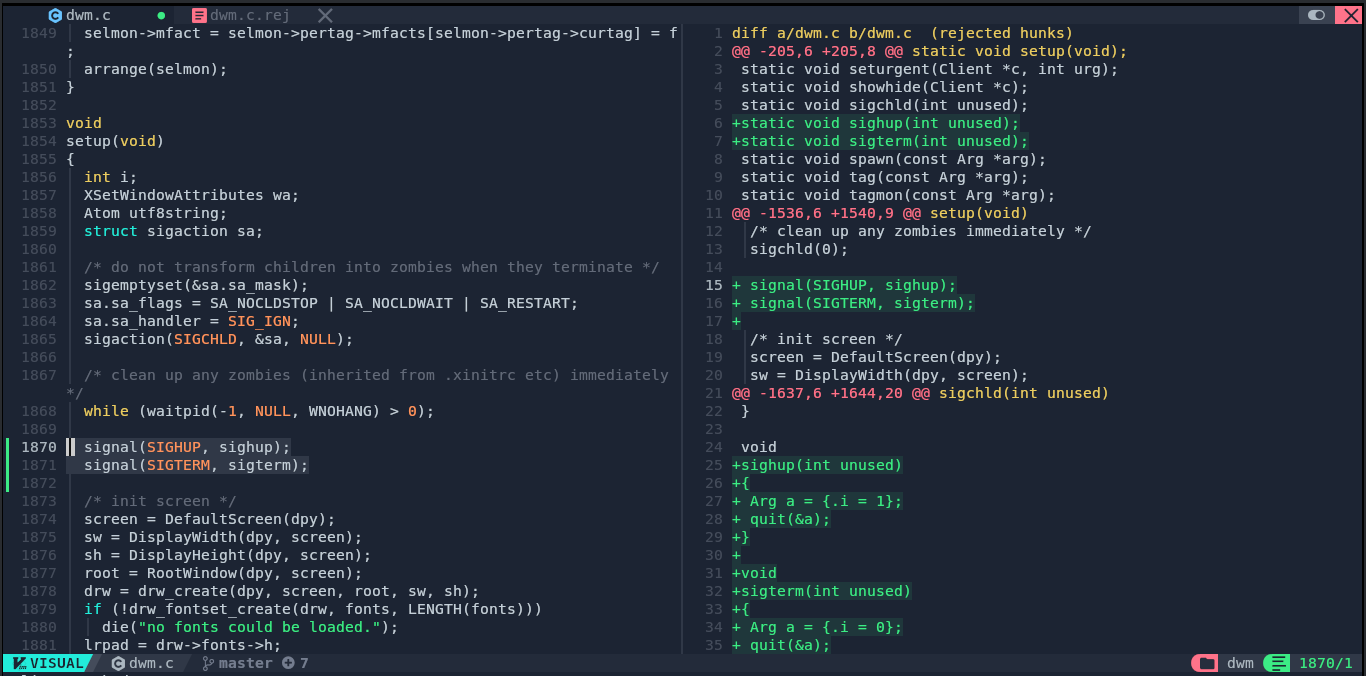
And again:
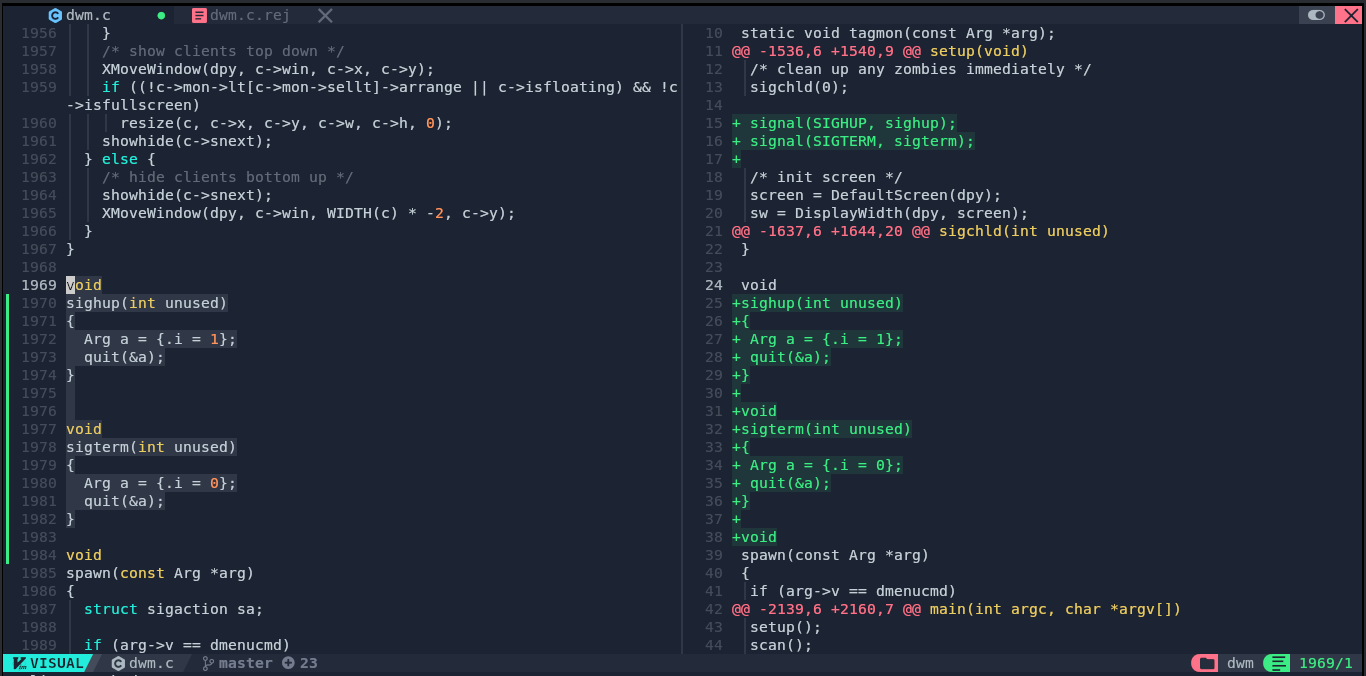
Ofcourse, again:
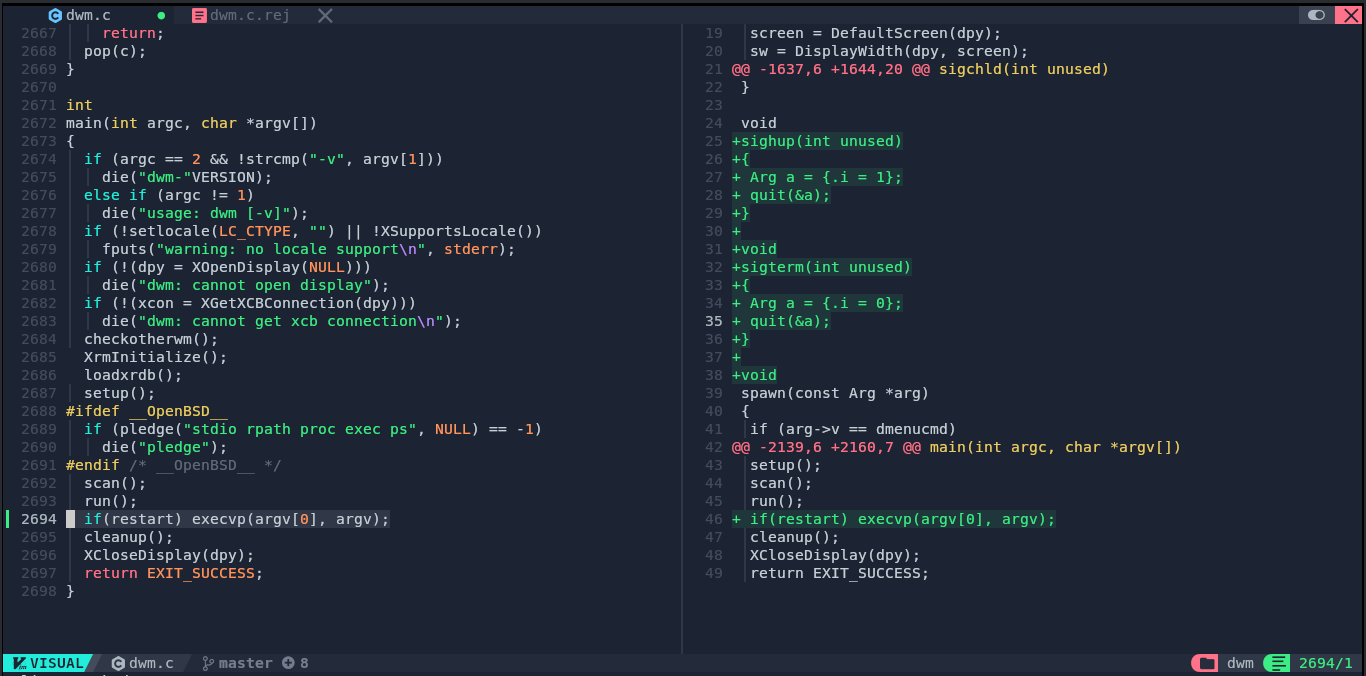
Patch is done:
rm *.rej
git add .
git commit -m "Apply restartsig"
Patching actualfullscreen:
git apply --reject --verbose dwm-actualfullscreen-20211013-cb3f58a.diff
Rare find! It's flawless.
Patch is done:
git add .
git commit -m "Apply actualfullscreen"
Patching alwayscenter:
git apply --reject --verbose dwm-alwayscenter-20200625-f04cac6.diff
Again??? I'm lucky.
Patch is done:
git add .
git commit -m "Apply alwayscenter"
Patching hide_vacant_tags:
git apply --reject --verbose dwm-hide_vacant_tags-6.4.diff
Woaw! Genuinely impressed.
Patch is done:
git add .
git commit -m "Apply hide_vacant_tags"
Patching azerty:
git apply --reject --verbose dwm-azerty-6.2.diff
All things must have an end, fix:
nvim -O config.def.h config.def.h.rej
Same:
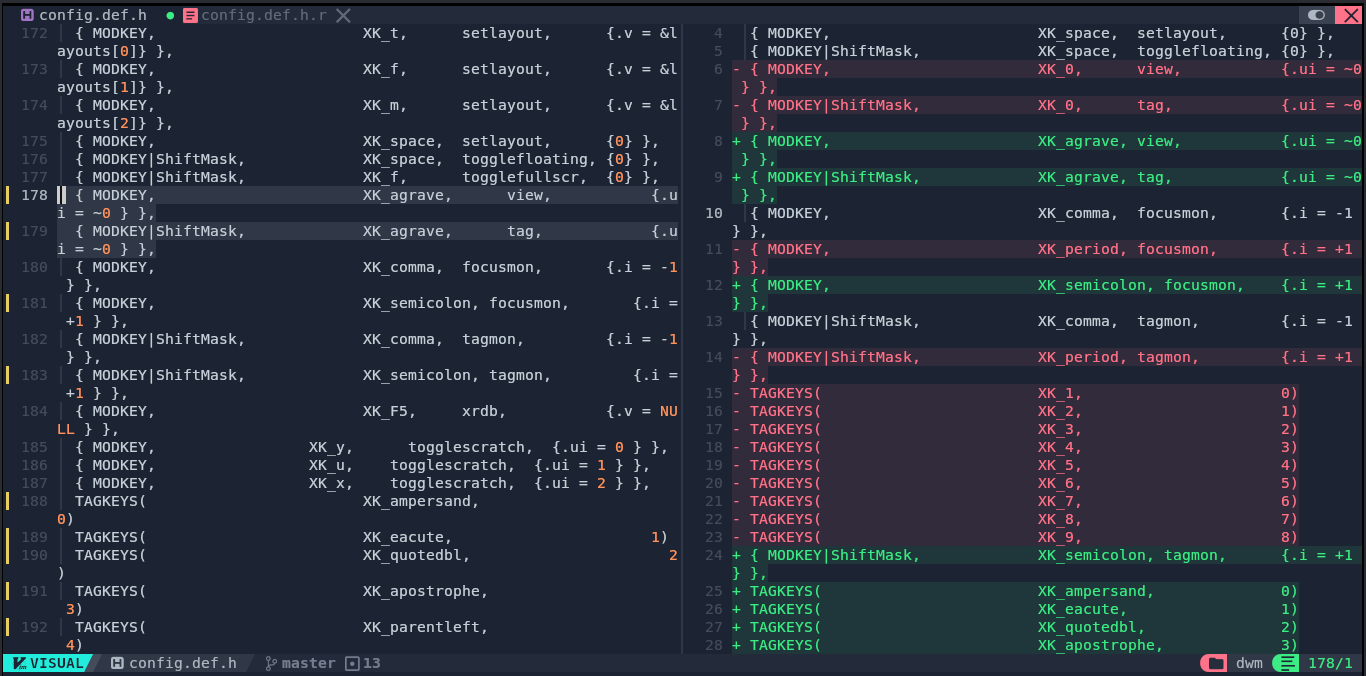
Again:
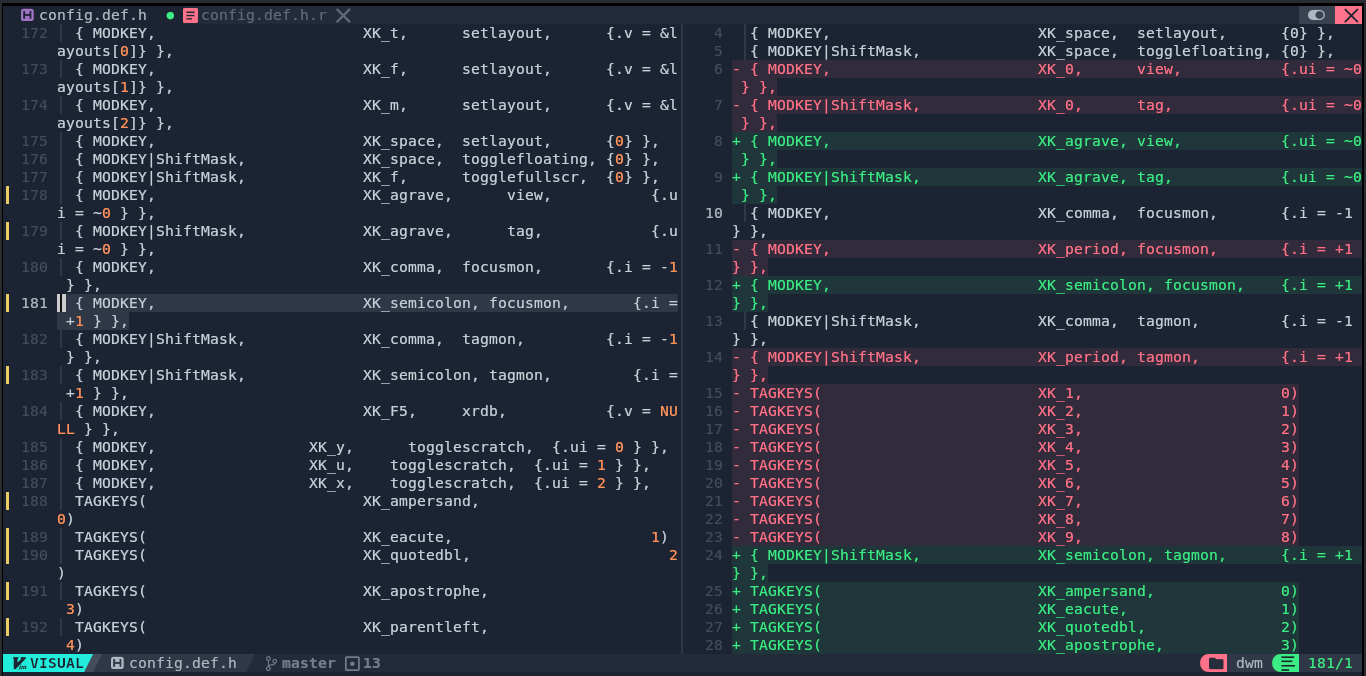
Again & again:
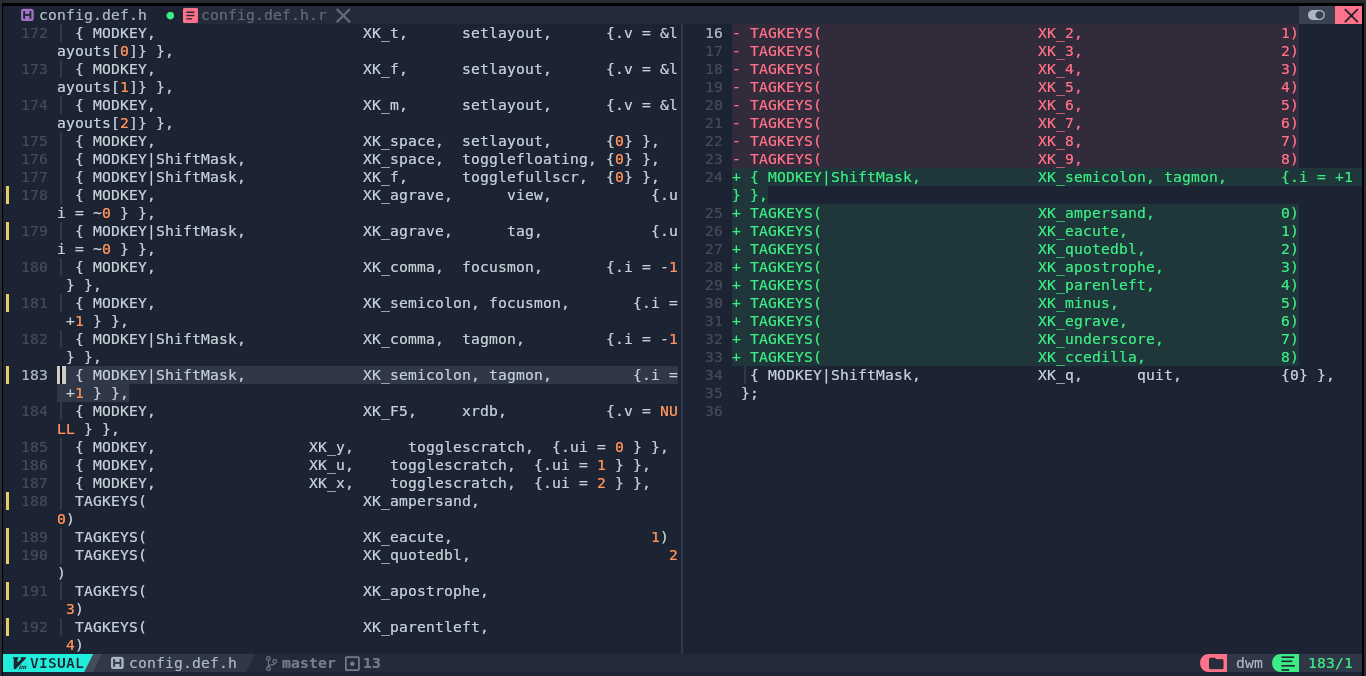
Finish HIM:
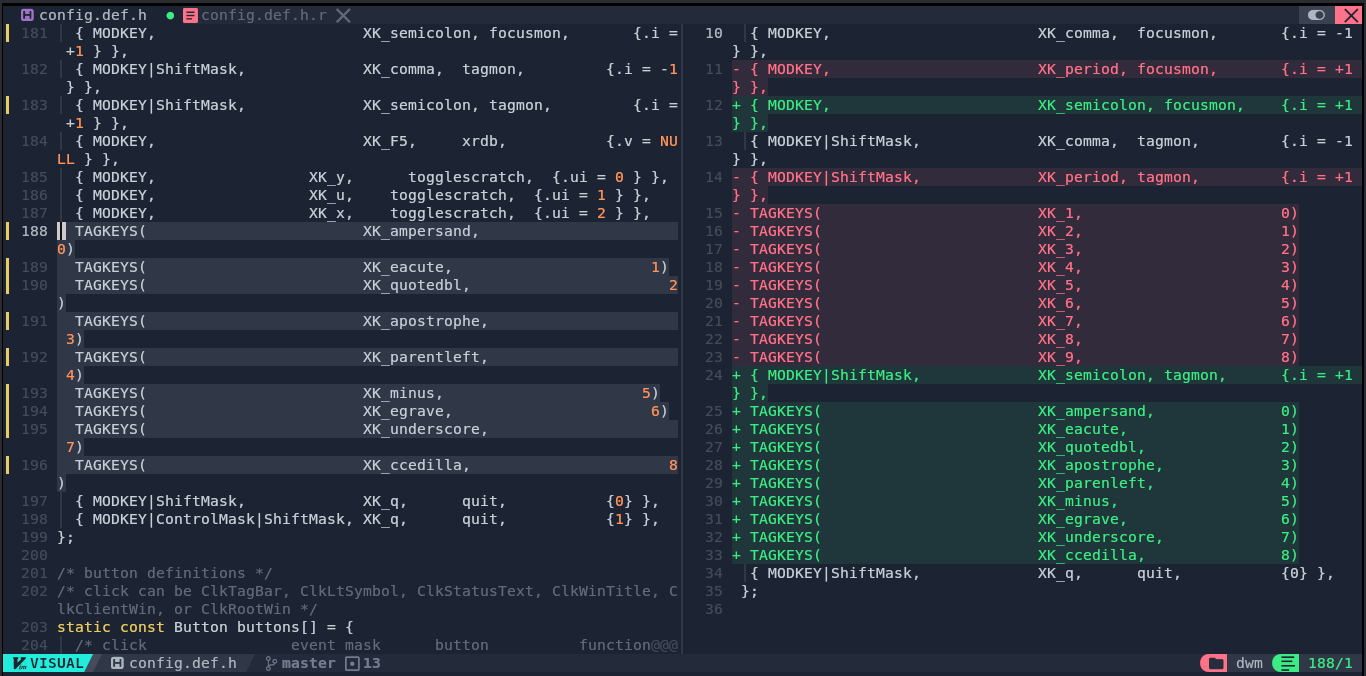
Patch is done:
git add .
git commit -m "Apply azerty"
I am so DONE with patching.
I packaged the dwm folder into a zip and uploaded it to the VM, unzipped it in ~/.local/usr/ and:
sudo make clean install
MAGIC! It compiled successfully!
I haven't tested it yet, but I'll fix it if it isn't working. Later, for now I'm done patching.
Wrapping Up
That was brutal, but it's a big step out of the way. Next post will tackle another Suckless tool. Hopefully with less patching.
Written on: 2026-07-27